

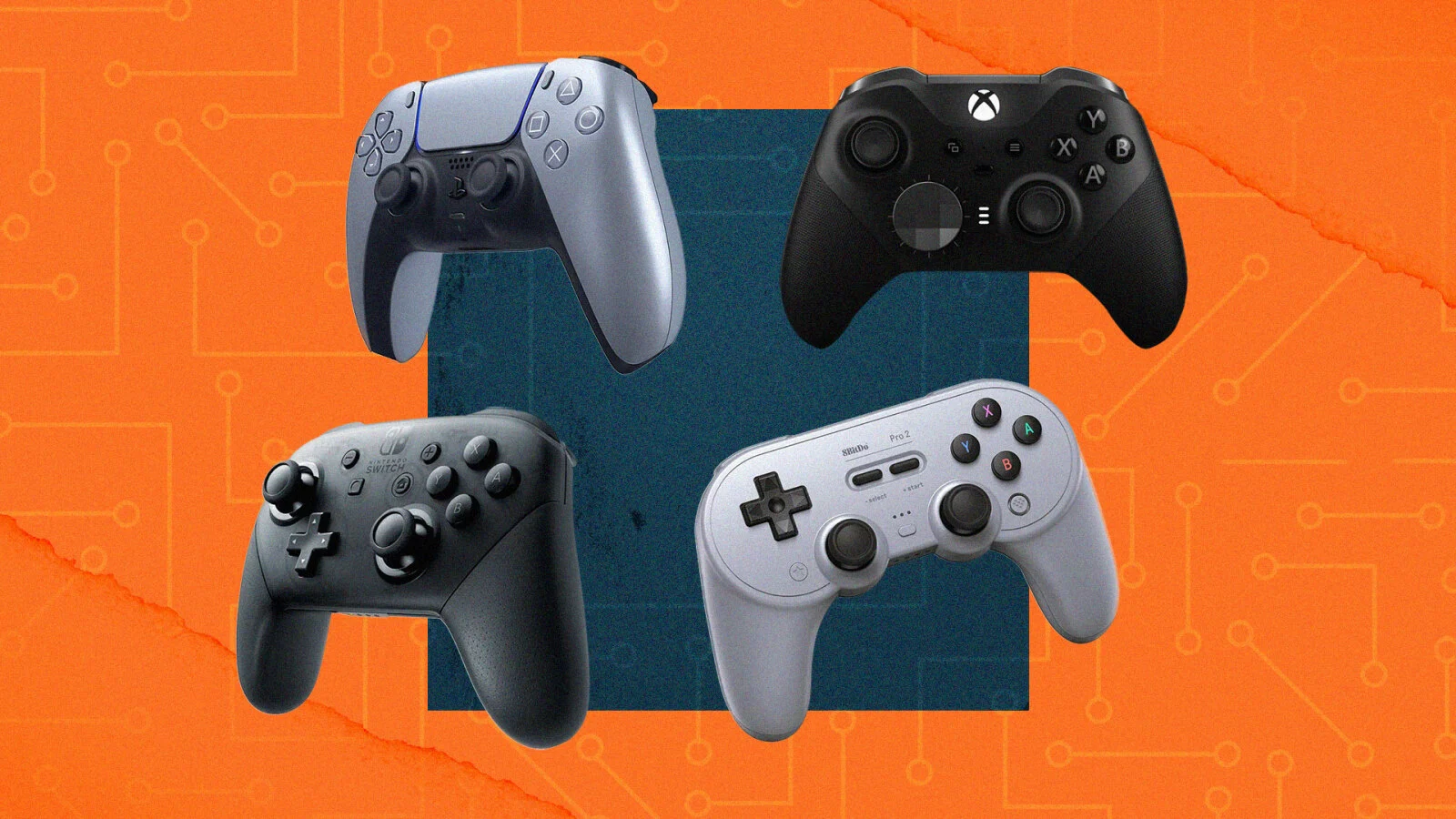
Touch controls are fine, but a real controller makes shooters, racing games and emulators far better. Android phones and iPhones support PS5, PS4 and Xbox controllers over Bluetooth, with no app needed. Pairing takes under a minute.
Step 1: Put your controller in pairing mode
- PS5 DualSense / DualSense Edge: hold Create + PS for about 3 seconds until the light bar flashes.
- PS4 DualShock 4: hold Share + PS until the light bar flashes quickly.
- Xbox Wireless Controller: press the Xbox button to turn it on, then hold the small pair button on top until the Xbox logo flashes fast. You need a Bluetooth model: every Xbox Series X|S controller, and the Xbox One controllers released from 2016 onwards.
Step 2: Pair it with your phone
- Open Bluetooth on your phone. Android: Settings > Connected devices > Pair new device. iPhone/iPad: Settings > Bluetooth.
- Select the controller. Tap the controller when it shows up in the list, for example DualSense Wireless Controller or Xbox Wireless Controller.
- Test it in a game. The light stops flashing once it’s connected. Open a game or emulator and map the buttons if needed.
Using a controller in emulators
Most games detect the controller automatically. In emulators, check the button mapping once. In PPSSPP, go to Settings → Controls → Control mapping. In ARMSX2, open the controller settings. See our guides to PPSSPP and playing PS2 games with ARMSX2.
- Controller doesn’t show up: it isn’t in pairing mode. On PlayStation controllers, the light bar must be flashing, not solid.
- Lag or disconnects: keep the controller close and turn off other Bluetooth devices you aren’t using. Update Xbox controllers with the Xbox Accessories app.
- It reconnects to your console instead: turn the console off while you pair. To go back to the PS5/PS4 later, plug the controller into the console with a USB cable.
FAQ
Can I connect a PS5 controller to my phone?
Yes. Hold Create and PS until the light bar flashes, then pair it in your phone’s Bluetooth settings. It works on Android and on iPhone/iPad.
Why won’t my Xbox controller connect to my phone?
The oldest Xbox One controllers don’t have Bluetooth. Every Xbox Series X|S controller and the Xbox One controllers released from 2016 onwards do. Also make sure you hold the pair button until the Xbox logo flashes fast.
Do I need an app to use a controller on Android or iPhone?
No. PS5, PS4 and Xbox controllers pair through Bluetooth settings. Games that support controllers detect them automatically.
Join the conversation