

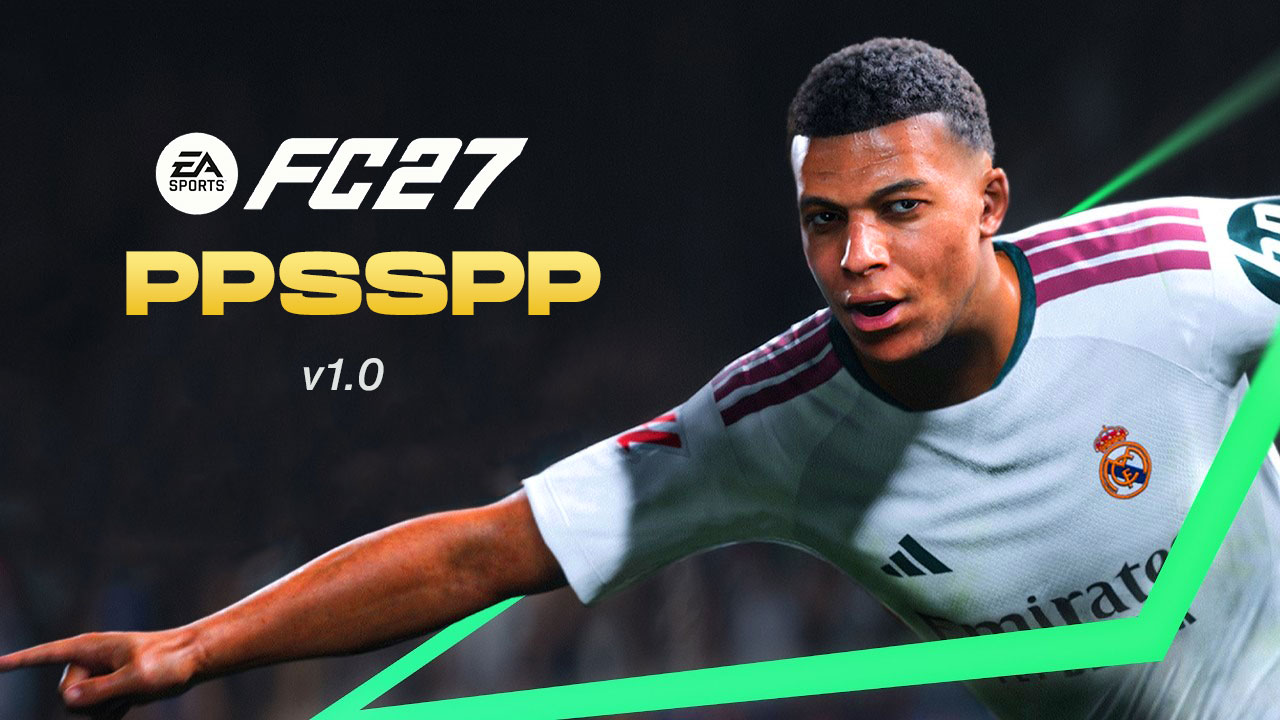
FC 27 PSP is my mod of FIFA 13 for PSP, rebuilt to look and feel like a 2026/27 football game. It has new textures, cleaner fonts, updated player rosters, fresh menu backgrounds and new sound. It runs on any device that has PPSSPP: Android phones, iPhone, iPad, Windows and Mac. Download it below and follow the setup guide. It only takes a few minutes.
- Download 2 files: the game ISO (ready to play, no unzipping) and the TEXTURES & SAVEDATA zip.
- Extract the zip. You’ll get 3 folders: SAVEDATA, TEXTURES and SYSTEM.
- Copy all 3 into your PSP folder and choose Replace if asked.
- Open PPSSPP and launch the ISO.
FC 27 mod features and game modes
Every mode from the original game is here, rebuilt with an FC 27 look.
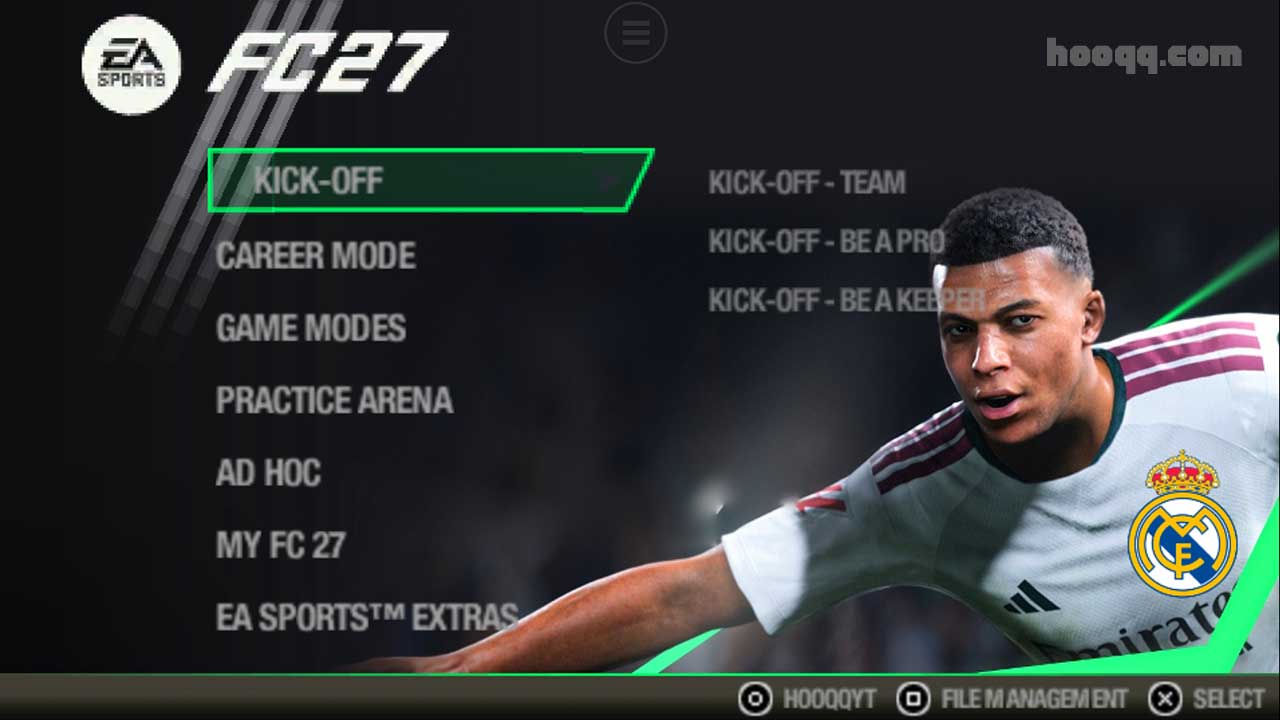
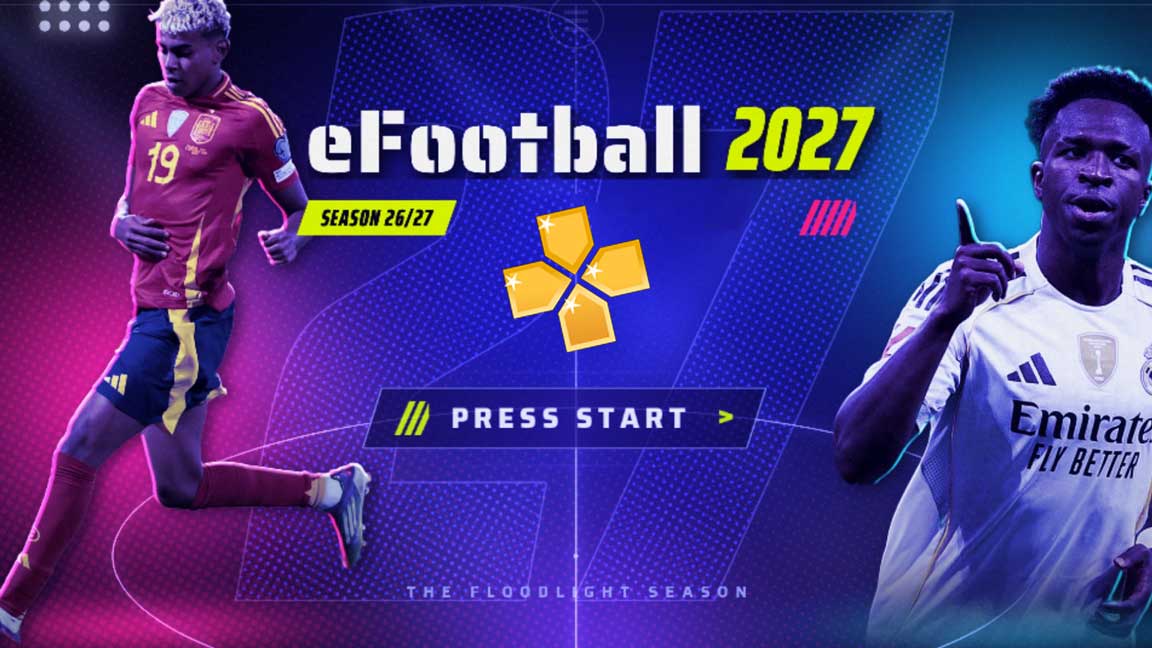
- A full FC 27 lookNew kits, boots, balls and pitches, plus redesigned menus, backgrounds and cleaner fonts.
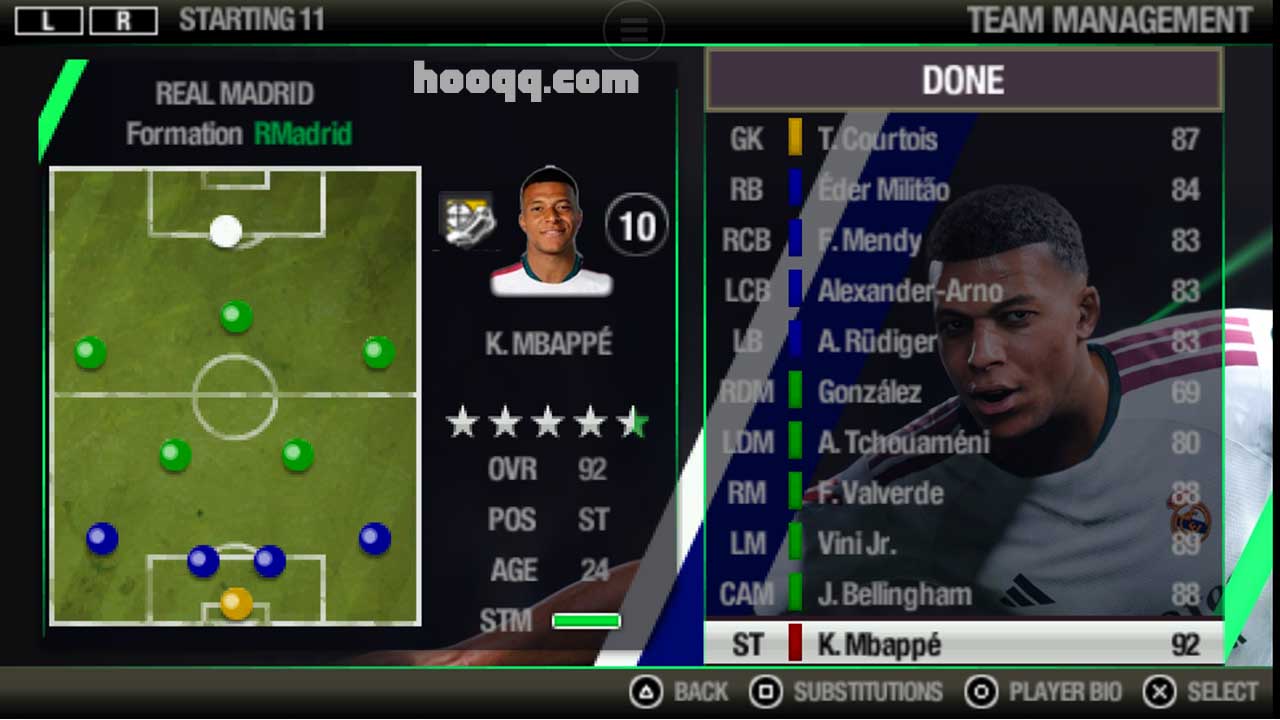
- Updated rostersPlayers moved to their current clubs, with transfers up to the 2026/27 season.
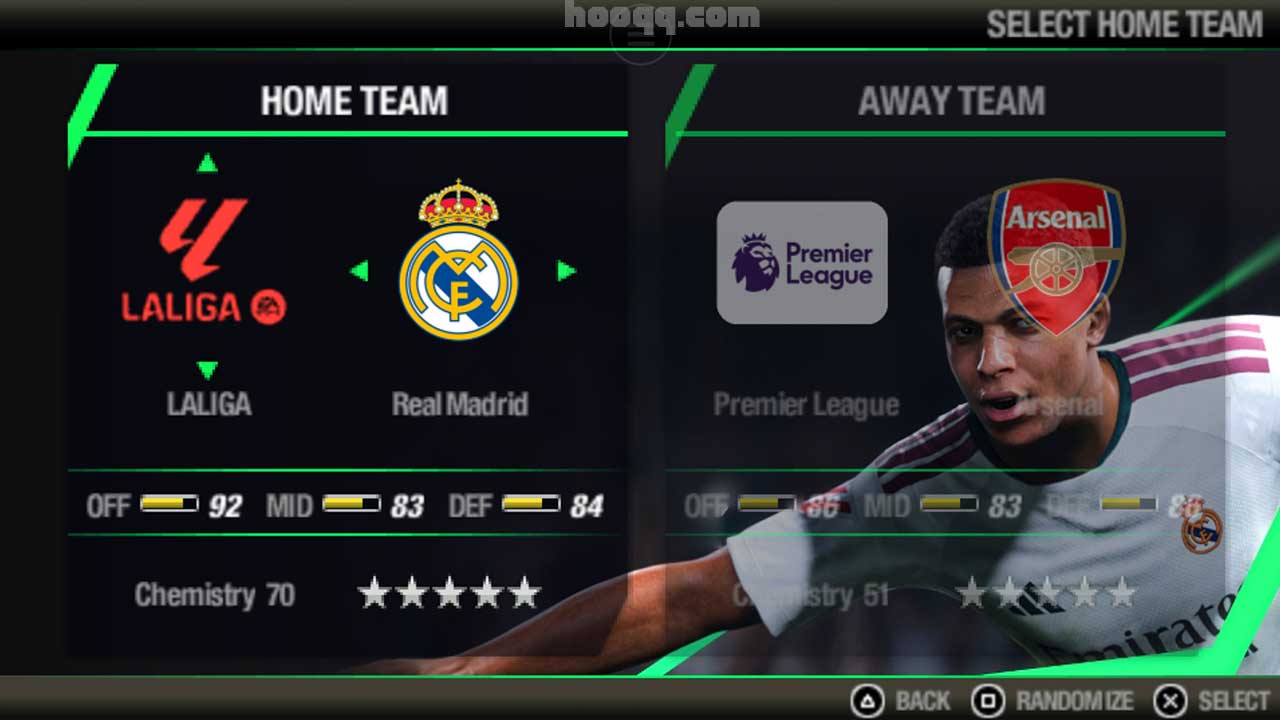
- Kick Off & TournamentsPlay a quick match with any two teams, or take on leagues and cups.
- Career ModeManage a club: sign players, set tactics and chase trophies season after season.
- Be a Pro & Be a KeeperControl just one player, outfield or in goal, and build your own career.
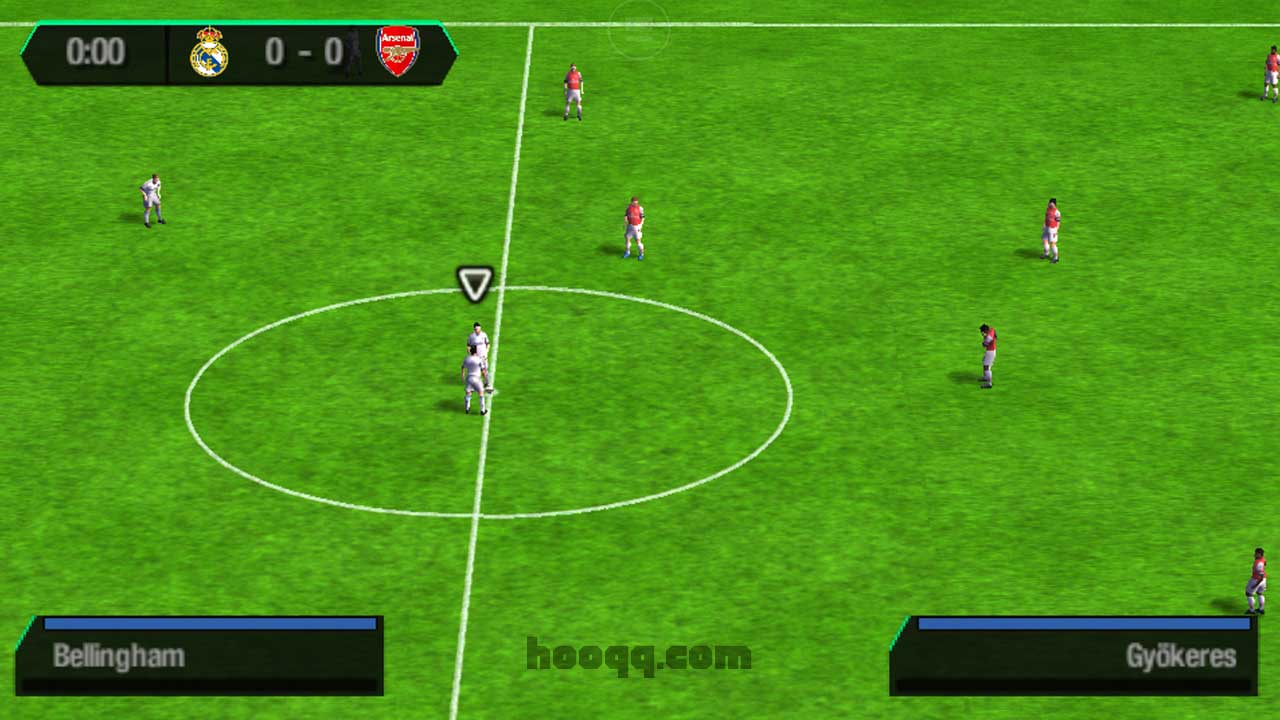
FC 27 PSP screenshots
Real gameplay captured in PPSSPP with Replace textures on. Swipe or use the arrows to see them all, and tap any screenshot to see it full size.
Download FC 27 PSP (ISO + Textures & Savedata)
Download both files. The ISO is the game itself and is not zipped, so there’s nothing to extract. The TEXTURES & SAVEDATA zip holds the HD textures, the mod’s save data and its system files.
- ISO size
- 1GB
- TEXTURES & SAVEDATA size
- 50 mb
- Emulator
- PPSSPP
- Price
- Free
What you need
PPSSPP (the emulator)
The free PSP emulator that runs the game. The free version is all you need.
ZArchiver (to extract the zip, Android)
Free app for unzipping ZIP, RAR and 7z files on Android. On iPhone, use the built-in Files app instead. On PC, use 7-Zip or WinRAR.
How to install FC 27 PSP (step by step)
- Download both files. Get the ISO and the TEXTURES & SAVEDATA zip from the buttons above. They’ll save to your Download folder. The ISO is ready to use, so leave it as it is.
- Extract the zip. On Android, open ZArchiver, tap the zip and choose Extract here. On iPhone, tap
it in the Files app. You’ll get 3 folders:
SAVEDATA,TEXTURESandSYSTEM. - Copy all 3 folders into your PSP folder. Select
SAVEDATA,TEXTURESandSYSTEM, and copy them into PPSSPP’s PSP folder. If asked, choose Replace. This is safe. Android: Internal storage / PSP (or the Memory Stick folder shown in PPSSPP › Settings › System) iPhone/iPad: Files › On My iPhone › PPSSPP › PSP PC: Documents / PPSSPP / PSP (or the memstick folder set in PPSSPP) - Launch the game. Open PPSSPP, browse to the folder with the ISO, and tap it.
Your PSP folder should end up with PSP/SAVEDATA, PSP/TEXTURES and
PSP/SYSTEM. If your phone extracted them into an extra folder (for example
PSP/FC27/TEXTURES), move the 3 folders up one level.
FAQ
Does FC 27 PSP work on iPhone?
Yes. Install PPSSPP from the App Store, extract the TEXTURES & SAVEDATA zip in the Files app, and copy the SAVEDATA, TEXTURES and SYSTEM folders into Files › On My iPhone › PPSSPP › PSP. Then open the ISO from PPSSPP.
Can I download only the ISO?
Yes. The ISO has the FC 27 textures built in, so the game plays fine on its own. But the textures won’t be crisp and clear. For the full HD look, also download the TEXTURES & SAVEDATA zip and copy its SAVEDATA, TEXTURES and SYSTEM folders into your PSP folder.
The game lags or stutters. What can I do?
Lower the rendering resolution to 1x, switch the graphics backend between Vulkan and OpenGL, and close other apps. The first time each new texture loads can cause a short stutter, which goes away after a moment.
Do I need PPSSPP Gold?
No. The free version of PPSSPP runs the mod exactly the same. Gold is a way to support the developers.


Join the conversation